


Five Tips to Press the Reset Button on Your Home Security
According to research [1] from the University of Illinois, 66% of homes in North America have at least one IoT device, and 25% of North American homes boast more than two. With many people working from home, they might find themselves using those connected devices more frequently. They may also find themselves with additional time on their hands. Now is a great time to take stock of our smart home devices and help ensure we’re leveraging them to provide maximum safety and security. Here are a few tips.

Reset Your Networks and Identify Intrusive Devices:
Take some time to reset the routers throughout your house, which may help your internet connection and speed. Additionally, it’s probably time to change your network password, assuming it’s been shared on multiple devices and/or with someone outside the home. A good password should be random and should include several different letters, numbers and symbols. Also while resetting your password, check and see which devices are connected. Many internet providers will grant you access to a list of currently connected devices, as well as ones previously connected. Review this list and block any devices that you don’t recognize or might be intrusive.
Update Firmware and Software:
Whenever prompted for a software or firmware update, it’s important to install those swiftly, as they regularly patch security flaws and vulnerabilities. However, the reality is that we all fall behind, sometimes leaving those updates for days, weeks, even months. During your smart home “cleaning,” dedicate an afternoon to checking all devices – from smart TVs to laptops to connected appliances – and ensure they’re up to date.
Adjust Your Smart Home Schedule:
With Daylight Savings Time adjusting when sunrise and sunset take place, some homeowners may not have taken the time to adjust their lighting schedule accordingly. Summer means that we spend less time in our homes, and a proper schedule for both internal and external lights can help secure our homes. Ensure external lighting comes on just before the sun sets so that the perimeter of your home is illuminated and safe. And for internal lighting, leaving a few lights on at night or when you’re out and about can signal to potential burglars that someone is home and might deter them from attempting to enter. ADT Control [2] can help manage all of these smart lighting features.
Replace Batteries:
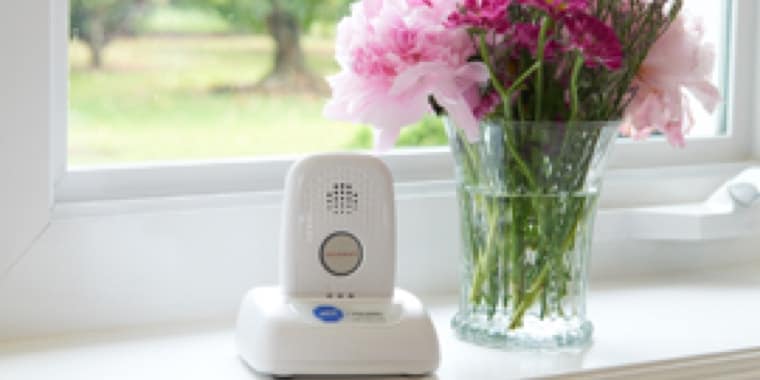
In recent years, smart home devices have expanded to include life-saving devices, as well. Smoke [3], heat [4] and carbon monoxide [5] detectors can provide remote monitoring, listening and control capabilities beyond the traditional alarm system and can connect to your 24/7 security monitoring system, like ADT. Smart water sensors can also detect unwanted water in a home. Ensuring that all these systems have fresh batteries can make all the difference in identifying a potentially life-threatening problem.
Assess Home Security Needs:
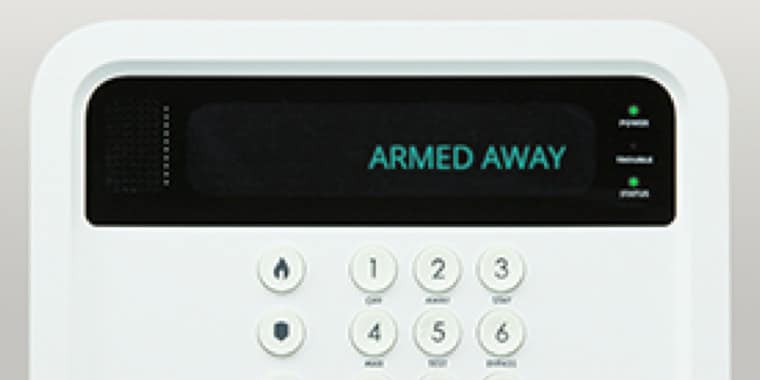
Now is a good time to take a step back and look at your home security system: Do you feel confident in the number of sensors installed? Is your system leveraging your various smart home devices to the best of its abilities? Are you aware of all the different aspects of your system or do you need a refresher? Working with a trusted partner like ADT [6] can help you assess your system or configure an entirely new system that fully meets your unique lifestyle and its needs – and on top of it all, ADT can provide professionally-trained 24/7 monitoring, providing unparalleled peace of mind and access whenever you need it.
Sources:
[1] https://press.avast.com/hubfs/stanford_avast_state_of_iot.pdf
[2] https://www.adt.com/control
[3] https://www.adt.com/smoke-detector
[4] https://www.adt.com/smoke-detector

FEATURED DEAL
Get two Google Nest Cams on us + $250 off your system*
We’ll set up security while you settle in.

*Req. min. $349 pro installed system purchase and 36 mo. pro monitoring plan starting at $59.99/mo. Early term fees. Offer valid on Google Nest Doorbell (battery or wired) and Google Nest Cam (2nd gen wired). Terms here.